
One app, two modes, reach new clients with Bolji event app
Bolji event is app that connects users with event service providers. Publish the services you offer, receive notifications about new requests and send personalised offers directly.
How Bolji event Works
1. Set up your profile.
Download the Bolji event app and choose the "Service Provider" mode. Add your services with descriptions and prices, and set the location and radius within which you want to receive inquiries.
2. Receive inquiries.
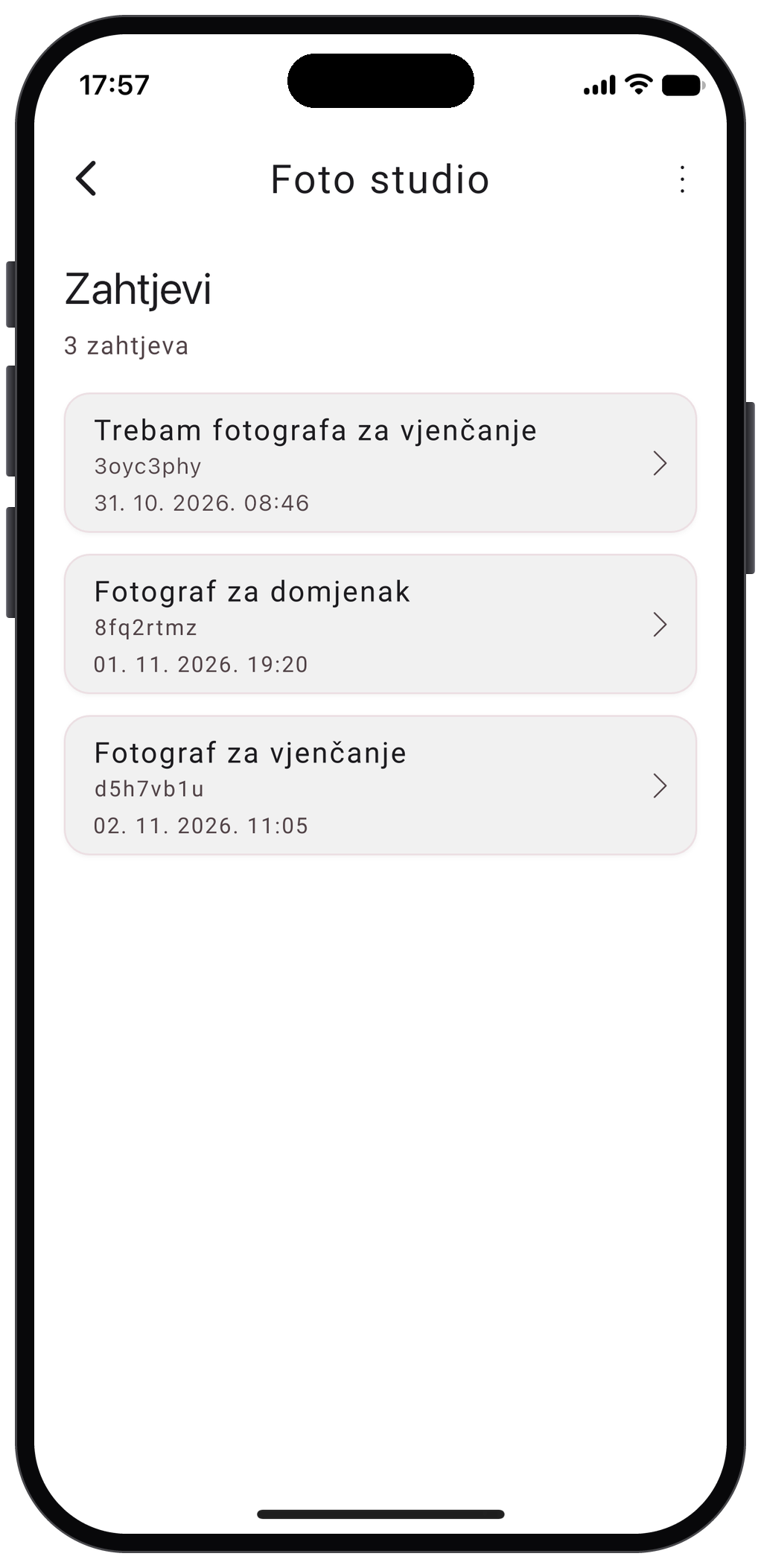
A client posts a request stating which service they need, along with the event date and location. All service providers near the event location are notified about the new request immediately.
3. Send offers.
Send the client a personalized offer and, if needed, add photos and links to your work.
4. Agree on the job.
The client reviews all received offers and contacts the chosen service providers using the contact details from their profiles.
Get the Bolji event App
To create services and receive requests, download the Bolji event app on your device.